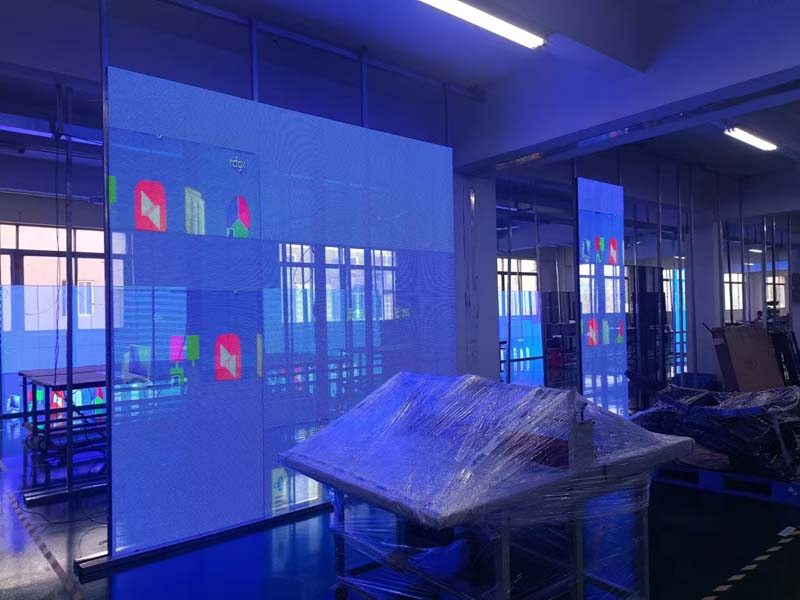
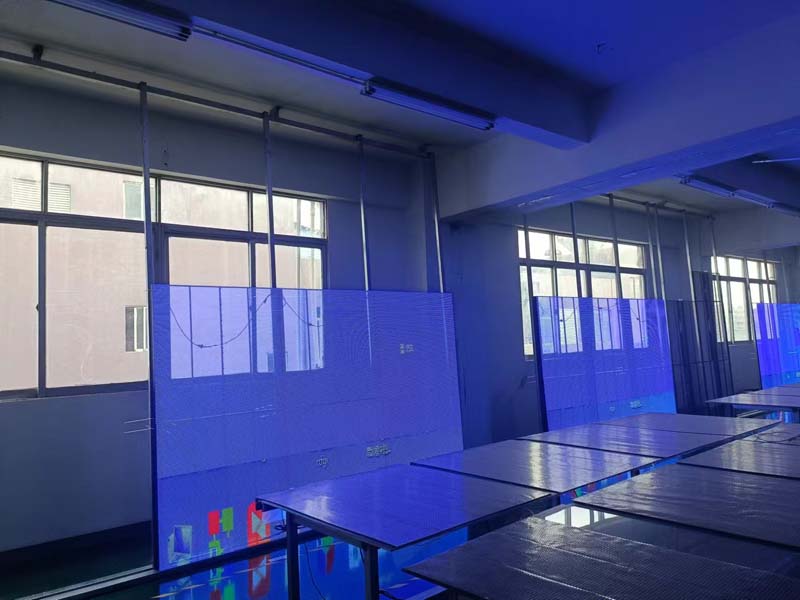
Almost every outdoor LED display project runs into the same argument early on. The end customer wants the screen to look bright and punchy next to a highway. The integrator wants a cabinet that does not overheat, trip breakers or burn through its power budget. The rental company wants a panel that still looks good on camera at night. All three are really asking the same question: how many nits does this outdoor LED display actually need?
The practical answer, before any of the engineering detail: for a sun-facing outdoor LED display viewed from roughly 10 meters or farther, plan on 5,000 to 6,500 nits of peak white brightness. For shaded facades, north-facing walls, transit shelters and canopy-mounted screens, 3,500 to 5,000 nits covers most conditions. For semi-outdoor and indoor installations the target drops sharply, to around 1,500 to 2,500 nits. Anything beyond that range is a cost you pay in power draw, heat and LED lifetime, and it rarely buys the legibility people expect.
Why Nits Alone Do Not Decide Legibility
Brightness is measured as luminance in nits (candelas per square meter), and it is a property of the light the screen emits, not of what the viewer perceives. What a viewer perceives depends on contrast: the ratio between the lit pixels and the unlit background, plus whatever ambient light reflects off the module surface back into the eye.

This is why two screens rated at the same nits can look dramatically different at noon. A module with a glossy, highly reflective face returns sunlight straight to the viewer and washes out the image, no matter how hard the LEDs are driven. A module with a matte black mask, tight louvered shading between pixels and a well-controlled black level preserves contrast and reads clearly at a lower peak brightness. Mask design, fill factor and the darkness of the substrate are engineering decisions that matter as much as raw nits.
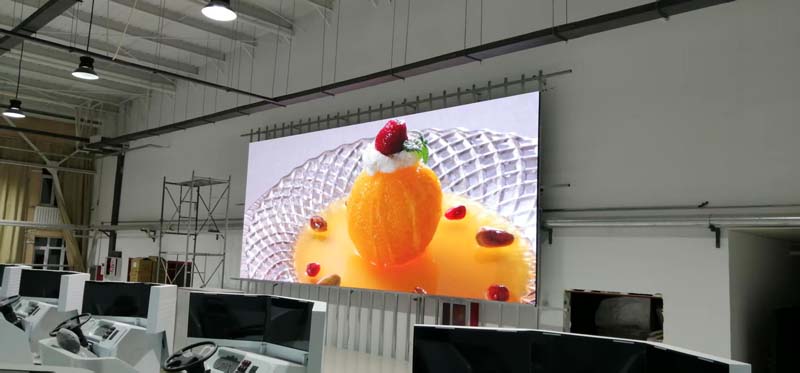
Viewing angle compounds this. Luminance falls off as the viewer moves off-axis, and the falloff curve differs between lamp types and lens designs. A screen that measures 6,000 nits on-axis may deliver meaningfully less at 60 degrees off-axis, which is exactly where pedestrians on the far sidewalk are standing. Ask suppliers for the on-axis and off-axis figures together, not the headline number alone.
Match Brightness to the Real Light Environment
Brightness requirements should be derived from illuminance at the site, which is measured in lux. As general reference points: an overcast day sits somewhere around 1,000 to 10,000 lux, direct sunlight on a vertical surface can approach 100,000 lux, a bright indoor retail environment is typically 300 to 1,000 lux, and a night-time street scene is well under 50 lux.

The core relationship is that a display needs to be several times brighter than the light falling on it to hold contrast. That is where the numbers in the first section come from, and it is also why orientation matters so much. A screen facing east will take direct morning sun and be effectively shaded by late afternoon. A screen facing south in the northern hemisphere carries the highest sustained load. A screen recessed into a facade or shaded by an overhang behaves far more like an indoor installation than an outdoor one.
For a sun-facing outdoor LED display, also check whether the surface is glass or metal. High-albedo surroundings bounce light back onto the screen and effectively raise the ambient level. This is common in city centers with glass towers and on pale concrete plazas, and it is a legitimate reason to go to the upper end of the 5,000 to 6,500 nit band.
What Extra Brightness Costs in Power and Heat
Luminous output scales roughly with drive current, so a display pushed from 5,000 to 8,000 nits is not running 60 percent harder for free — it is drawing proportionally more current across millions of LEDs. The electrical load of an outdoor cabinet is usually quoted as average and maximum power consumption per square meter, and the maximum figure is the one that sizes your circuits, your transformers and your cooling strategy.
The heat is the harder problem. Nearly all of the electrical energy that is not converted to light becomes heat inside the cabinet, concentrated in the LED packages and driver ICs. Higher brightness means higher junction temperature, and sustained junction temperature is the single biggest driver of lumen depreciation — the slow loss of output that every LED suffers over its service life.
This is why power topology matters when you are specifying high brightness. Common cathode and shared cathode architectures reduce the voltage dropped across the driver and cut waste heat at a given brightness level compared with conventional common anode designs. Combined with a well-designed aluminum cabinet, an efficient driver IC and adequate airflow, they let a module run at 6,000 nits without cooking itself. When comparing quotes, ask what the actual cabinet temperature rise is under continuous full-white operation, not just the rated nits.
Refresh Rate, Grayscale and Night Performance
The brightness question does not end at noon. A screen that is comfortable at midday is often painfully glaring at night, so the real requirement is a wide usable brightness range, not just a high ceiling. Look for a display that can dim smoothly down to a few hundred nits or lower without losing image quality — which depends on grayscale depth and driver IC behavior at low current, not on peak brightness.
Refresh rate is the companion specification. Modern outdoor modules typically run at 1,920 Hz to 3,840 Hz or higher. High refresh matters most in two situations: when the screen will be filmed or broadcast, and when it is dimmed. At low brightness the driver has fewer gray levels to work with, and a low refresh rate produces visible flicker and banding that only appears after dark. A 14-bit or 16-bit grayscale pipeline holds detail in shadows and gradients where a 12-bit one collapses.
If the installation will be photographed — event venues, broadcast studios, brand launches — specify refresh rate and camera compatibility explicitly, and ask for test footage rather than a datasheet figure.
IP Rating and Brightness Retention Over Years
Outdoor modules are commonly rated IP65 or IP66 on the front face and IP54 or better on the rear. The front rating protects against rain and dust ingress at the LED face; the rear rating protects the driver board and power components. Neither rating says anything about optical degradation, which is the specification that actually determines whether the screen still looks right in year five.
Moisture is the main enemy of long-term brightness consistency. Water ingress, condensation cycling and UV exposure degrade the encapsulant over the module face, and the failure is rarely uniform — you get patchy dimming and color shift across a large screen. Ask about the encapsulation process, the conformal coating on driver boards and whether cabinets are pressure-tested before shipment. Ask, too, about factory calibration and whether the supplier supports field recalibration, because a bright screen with inconsistent modules across a 200 square meter wall looks worse than a slightly dimmer uniform one.
A Practical Brightness Buying Checklist
- Measure or estimate site illuminance and note the screen orientation, overhang and surrounding surface reflectance before choosing a nits target.
- Confirm the quoted brightness is peak white at full drive, and ask for the steady-state figure after thermal stabilization.
- Request off-axis luminance, not just the on-axis number, especially for wide plazas and street-level viewing.
- Compare maximum and average power per square meter, and check that the electrical design has headroom for peak load.
- Verify grayscale depth, refresh rate and dimming performance down to night-time levels.
- Check common cathode or shared cathode power topology if you are specifying above 6,000 nits.
- Ask about cabinet temperature rise under continuous full-white operation and about the cooling method.
- Confirm IP ratings for front and rear separately, and ask what calibration support is available after installation.
Getting the brightness decision right is mostly a matter of refusing to treat nits as a standalone score. The number only means something when it is paired with contrast, viewing angle, power architecture, thermal design and long-term stability. Buyers who specify all six get a screen that looks correct at noon and at midnight, in year one and in year six.
HITULED builds outdoor LED display modules and complete cabinets across these brightness bands, with common cathode options, factory calibration and field support for integrators and rental companies. If you are sizing a project and want to sanity-check a nits target against a specific site, send the orientation, viewing distance and ambient conditions, and the team can recommend a configuration and provide a sample module for evaluation.