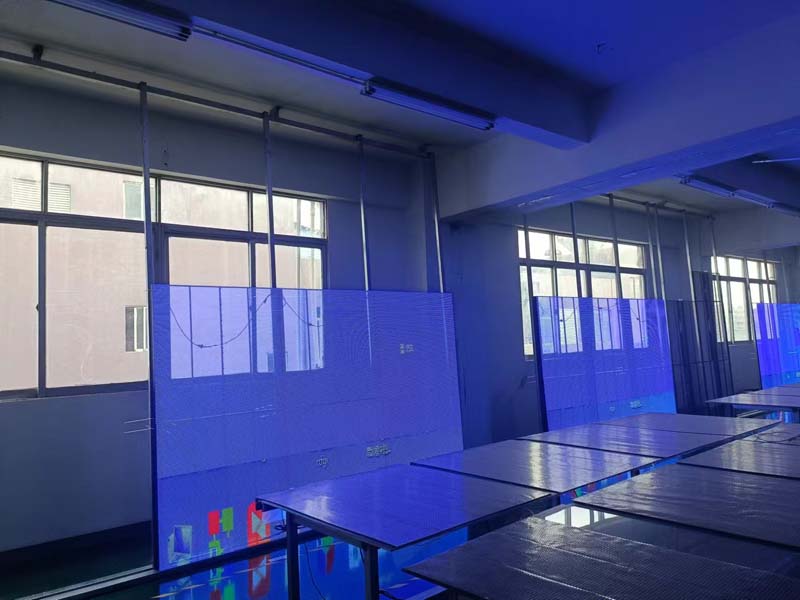
Open the quotation folder for any outdoor project and the modules inside look nearly identical on paper: same pixel pitch, same cabinet footprint, same "high brightness" line in bold. The differences that decide whether a screen still looks clean in year four sit two layers below the spec sheet — in the driver IC, the copper weight of the PCB, the mask and sealing method, and the binning discipline applied to the LED lamps themselves. Choosing an LED display module for an outdoor fixed installation is less about picking a number from a catalog and more about matching the module's electrical and mechanical design to the site's climate, the audience's viewing distance, and the service access you will realistically have once the screen is bolted to a wall.
The decisions below are ordered the way they actually constrain each other. Get the first two wrong and no amount of calibration will rescue the result.
Set Pixel Pitch From Viewing Distance and Content
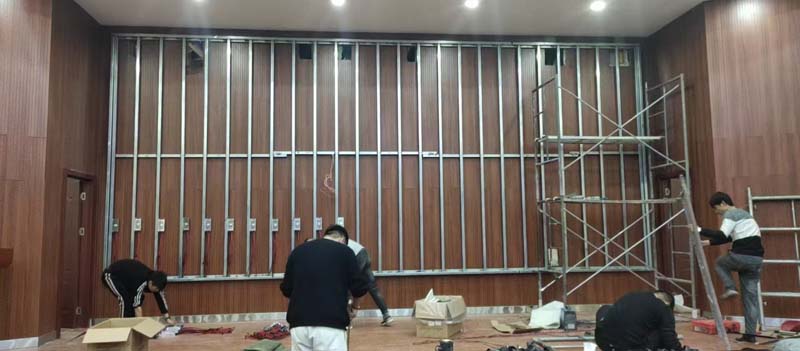
Pixel pitch is the distance between two lamp centers, and it sets the minimum distance at which the image stops looking like a grid of dots. A widely used field rule is that comfortable viewing begins at roughly one meter per millimeter of pitch. A P10 module resolves cleanly from about ten meters; a P4 module from about four. That rule assumes video content with motion. Static text read close-up needs more resolution, and highway billboards viewed at 60 meters and beyond can use P16 or P20 without complaint.
Two practical constraints sit on top of the distance calculation. First, the module's physical dimensions must tile the cabinet cleanly. If a module leaves a partial strip at the cabinet edge, you inherit a visible seam and a spare-part problem for the life of the screen. Standard module sizes exist for a reason, and mixing two module formats in one cabinet to hit a target resolution is a design compromise worth avoiding. Second, check the resolution your content will actually carry. A pitch chosen for a 4K source will look soft the day the client switches to a lower-resolution playlist.
How IP Rating and Brightness Work Together in an Outdoor Fixed Installation
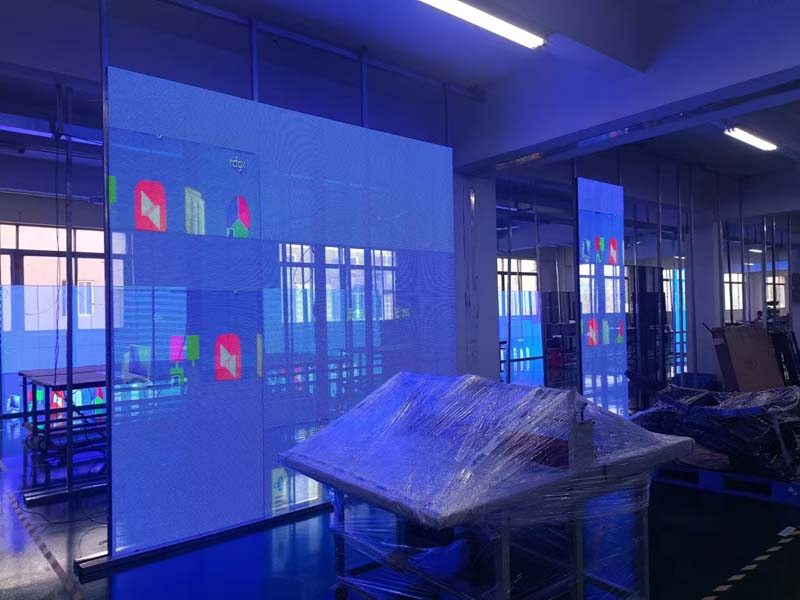
Brightness and ingress protection are usually quoted as separate line items, but outdoors they are one decision. A facade in indirect sun typically needs 5,000 to 6,000 nits; a south- or west-facing surface taking direct afternoon sun needs closer to 7,000 or 8,000 nits to stay legible. Pushing beyond that wastes power, accelerates lumen depreciation, and turns the cabinet into a heater. Insist on automatic brightness control with a properly calibrated photocell and enough dimming steps that the screen does not jump between visibly different levels at dusk.
For enclosures, IP65 on the front face is the baseline for outdoor fixed work, with IP54 or better on the rear. The rating is a factory test result, not a lifetime warranty: EPDM gaskets harden, cable glands loosen, and service technicians close a rear door badly. Look for conformal coating on the driver board, sealed module edges rather than a bare plastic mask, and stainless hardware. Coastal sites add salt fog to the picture, and arid sites add fine dust that finds every unsealed gap. A module built for a temperate market will not survive either without specific treatment.

Refresh Rate, Grayscale and Scan Mode: What the Camera Sees
Refresh rate is how many times per second the driver rewrites the image. Below roughly 1,920 Hz, a phone camera pointed at the screen produces rolling dark bands, which matters enormously because your client's audience films outdoor screens constantly. Broadcast-facing or event-adjacent installations should specify 3,840 Hz. The honest way to verify the claim is a camera test on a live sample, not a datasheet checkbox.
Grayscale is the quieter specification. Fourteen to sixteen bits of processing sounds generous on paper, but the number that matters is grayscale performance at low brightness — at 10 percent output, where cheap modules show visible banding in dark scenes and gradients. Ask how many grayscale steps remain at minimum brightness.
Scan mode ties directly to cost and lifetime. A static or 1-scan design gives each row continuous drive. A 1/8 scan multiplexes eight rows through one set of driver channels, so each lamp is driven for a fraction of the frame and must take a higher peak current to compensate. Higher scan counts lower the bill of materials and are perfectly serviceable in the right application, but they leave less headroom for brightness and heat. For a bright outdoor screen running long hours, a lower scan count is the more durable choice.
Driver ICs, PCB Design and Cabinet Integration
The driver IC sets current accuracy across the module. Constant-current error of a few percent is normal; wide unit-to-unit variation shows up as a subtle checkerboard that no calibration pass fully removes. Higher-grade driver ICs with integrated memory and better gray-scale linearity cost more per channel and are the difference between a screen that photographs well and one that does not.
The PCB carries the thermal load. Four-layer boards with heavier copper spread heat from the lamps more evenly than two-layer budget boards, and heat is the single largest driver of color shift over time. In cabinets, die-cast aluminum gives better flatness and heat spreading than folded steel; check that module-to-module flatness is held within a fraction of a millimeter, since a step between modules catches light at shallow viewing angles and reads as a visible line. Finally, confirm whether modules are serviced from the front or the rear. Front-service modules with magnetic or screw-fixed mounting change the maintenance plan for a screen mounted 20 meters up a building face.
Calibration and Batch-to-Batch Consistency
Every module in a screen should be measured with a spectroradiometer and given its own brightness and chroma coefficients. The important question is where those coefficients live. If they are stored in the module's own memory, a replacement module dropped into the array reads its own correction data and matches its neighbors without a technician on site with a laptop. If they live only in the control system, every field replacement becomes a commissioning job. Ask for the calibration report and the lamp bin codes with the shipment, and keep them — matching a batch two years later without records is guesswork.
Power, Heat and the Cost You Pay Later
Quote power consumption as an average, not a maximum. A module rated at 800 watts per square meter peak will typically draw roughly a third of that on real video content, and daytime brightness plus content type move that number significantly. Estimate annual energy from the average figure and the actual dimming schedule.
Heat management deserves equal attention in hot climates. Above 45 to 50 degrees C ambient, power supplies need derating and the cabinet needs an unobstructed convection path; sealed cabinets with no airflow path rely entirely on the rear chassis as a heat sink. Efficient power supplies with high power factor reduce both the electricity bill and the internal temperature.
A Practical Module Selection Checklist
Before approving a purchase order, confirm each of these in writing:
Pixel pitch verified against the real viewing distance and against a resolution the client's content can supply.
Module dimensions tile the cabinet with no partial modules.
Brightness specified in nits for the actual sun exposure, with automatic dimming steps and a calibrated sensor.
IP65 front, sealed module edges, conformal-coated driver board, stainless fasteners, and treatment suited to coastal or dusty conditions.
Refresh rate of at least 1,920 Hz, or 3,840 Hz where cameras are present, proven on a live sample.
Grayscale performance confirmed at 10 percent brightness, not only at full output.
Scan mode and driver IC grade stated explicitly, not left to "industry standard."
Flatness tolerance between modules and front- or rear-service access confirmed against the mounting height.
Calibration coefficients stored on the module itself, with calibration and bin reports supplied.
Average power consumption and derating guidance for the site's summer ambient temperature.
Screens fail outdoors on the details that never made it into the quotation: a gasket, a scan mode, a calibration file. Getting those right at the module selection stage costs a fraction of retrofitting them later.
HITULED builds outdoor fixed installation modules with sealed housings, module-level calibration data, and driver and scan configurations specified per project rather than per catalog page. Send the site conditions, viewing distance and content plan, and the team can recommend a module configuration and prepare samples for a camera test and a bench measurement before you commit.